
Description
Honista APK is a modified Instagram-style app for Android users who want more control over downloads, privacy settings, interface setup, and media browsing than the standard app usually gives. This guide looks at the main features, how they work in daily use, and what to think about before you search for a honista download or install any third-party APK. Because Honista is not endorsed by Instagram, it helps to weigh the convenience against the account-security tradeoffs first.
What is Honista APK?
Honista APK is an Android application package that changes the Instagram experience with extra tools for media downloads, interface changes, privacy signals, and content preferences. In simple terms, it keeps the core layout many users know, but adds controls the official app does not offer. The Honista site lists media downloads, story downloads, profile-picture zooming, developer options, content control, and Ghost Mode.
The important word is “APK.” An APK is the installable Android app file format, often used when an app is shared outside Google Play. That makes Honista different from a normal Play Store install: users may need to allow installation from an unknown source, and Android treats that as a separate security choice. Google’s Android documentation notes that users must opt in before installing apps from sources outside Google Play or other trusted stores.
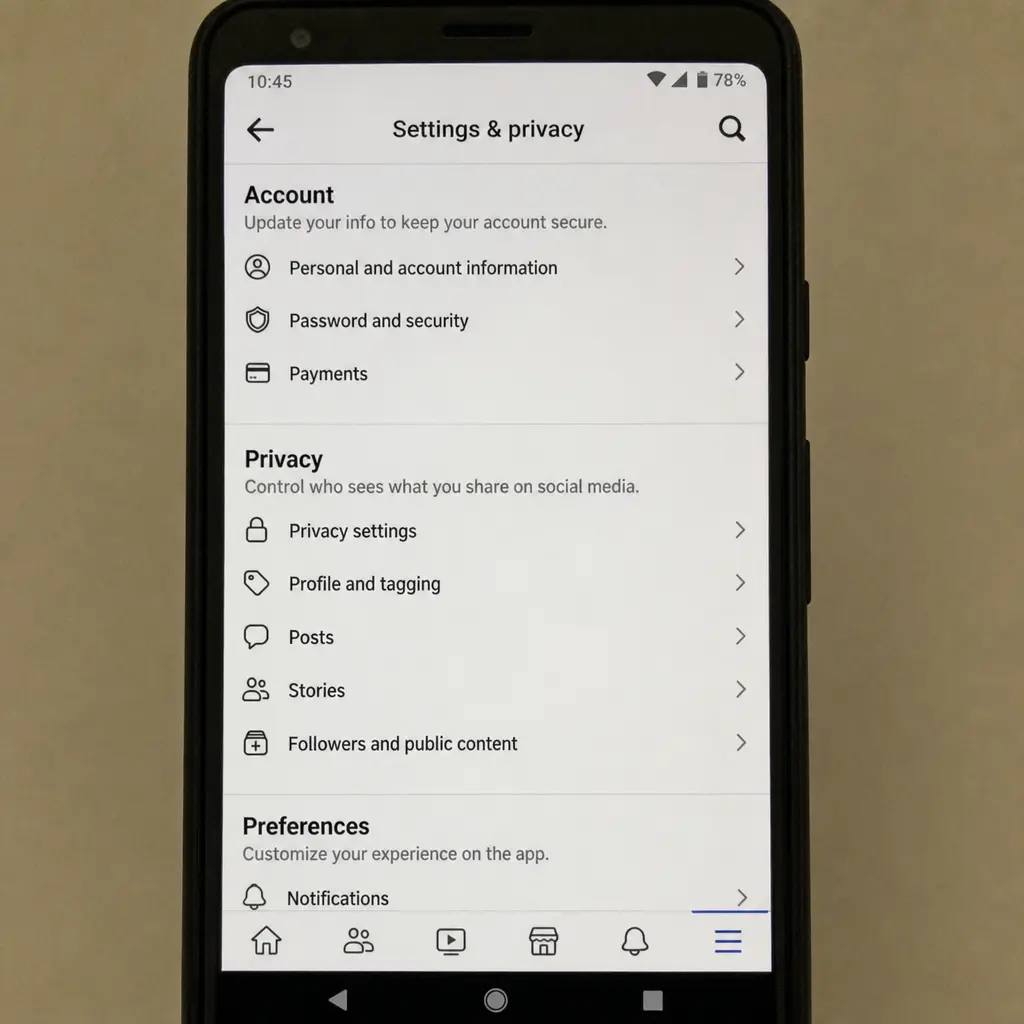
The main appeal is control
The strongest reason people search for honista apk is control. Instead of using Instagram exactly as provided, Honista puts extra options into the app so users can save media, adjust what appears on screen, change the look of the app, and manage privacy-related behavior from one place. That does not mean every feature is right for every user, but it explains why the app attracts people who want a more flexible social media workflow.
For example, a casual user may care most about downloading a Reel for offline viewing. A creator may care more about copying captions, checking profile details quickly, or changing the look of the interface for comfort. A privacy-focused user may be drawn to Ghost Mode, while a data-conscious user may prefer tools that reduce media quality to help limit internet use. Honista’s feature set is broad enough that the “best” tools depend on what you actually do on Instagram.
Key feature groups include:
- Media saving: Download photos, videos, Reels, and stories from inside the app.
- Privacy controls: Use Ghost Mode-style options meant to cut visible activity signals.
- Interface setup: Change colors, fonts, emoji styles, backgrounds, and other UI details.
- Profile tools: Zoom profile pictures, copy bios, and see follow-related information from a profile.
- Content controls: Adjust the quality or type of content shown to match data use or browsing needs.
- Conversation controls: Use options such as hidden chat indicators, chat locks, and app locks where available.
Media download features
One of Honista’s best-known features is built-in media saving. The official feature page says the app can download images and videos from Instagram in different ways, and it also lists story saving as its own feature. For users who keep visual ideas, save posts for later, or want offline viewing, this is often the first reason they consider a honista instagram apk download.
Honista describes two practical download methods: a direct download icon for quick saving and a more flexible option through its “magic wand” tools. Direct saving is faster, while the other method gives more control over what is saved. That can cut down on switching between Instagram and separate downloader sites or apps.
Still, downloading media comes with responsibility. Not every post, story, or video is yours to reuse, repost, or edit. Saving content for private reference is different from publishing someone else’s work, and users should respect creator rights, privacy expectations, and platform rules. A helpful habit is to ask: “Would the original creator be comfortable with how I plan to use this?” If the answer is unclear, do not reuse the content publicly.
How Ghost Mode changes the browsing experience
Ghost Mode is Honista’s privacy feature set. It is meant to cut down on visible traces inside the app, such as activity signals or story visibility, so browsing feels quieter. Honista describes Ghost Mode as a feature intended to hide appearance in the application, though users should not treat any third-party privacy feature as a promise of full privacy.
The practical benefit is a calmer browsing experience. If you feel pressured by read receipts, presence indicators, or social expectations around instant replies, tools like these can make the app feel less intrusive. That said, privacy features should be used ethically. Avoid using them to harass, monitor, impersonate, or bypass someone’s boundaries.
It is also important to separate app-level privacy from account-level security. Meta warns that giving Facebook or Instagram credentials to unauthorized apps or websites can give those services access to account information and private messages. That warning does not prove that every third-party app is unsafe, but it does show why users should be careful with login details and avoid entering passwords into sources they do not trust.
Customization tools for a more personal interface
Honista’s customization tools are aimed at users who want the app to feel less standard. The site lists options such as manual dark mode, theme color changes, conversation backgrounds, emoji styles, interface fonts, and story-font controls. These changes can make the app more enjoyable, easier to read, or simply more aligned with a user’s taste.
This is not just about looks. Interface comfort can affect how long you spend in an app and how quickly you move through common tasks. Dark mode may be easier on the eyes in low light. Larger or preferred fonts can improve readability. A custom toolbar can put common tools closer to your thumb, which reduces friction when saving media or changing settings.
For best results, change settings step by step:
- Start with theme and font changes, because they affect the whole app.
- Adjust conversation backgrounds only after you know what still reads well.
- Enable toolbar shortcuts for tools you use often, not every feature available.
- Back up settings if the app provides that option.
- Avoid advanced options you do not understand.
Honista also describes backup and restore settings that let users save preferences and move them to the same or another phone. That can be useful if you have spent time building a setup you do not want to recreate by hand.
Profile, comment, and content-control features
Beyond downloads and themes, Honista includes small tools that can speed up everyday use. Profile-picture zooming helps when you want to check an account image before you follow, or confirm that you found the right profile. Copying bios and comments can save time when collecting notes, translating text, or saving references.
The “knowing who follows you” feature is another convenience tool. Instead of switching between screens or guessing from follower lists, users can check follow-related information from a profile. For people who manage many conversations or follow-backs, that small detail can make the app feel more open.
Content control matters for a different reason: attention. Honista says users can control the quality and type of content displayed, and its site also mentions options for reducing internet use by lowering content quality. That can help when you are on a limited data plan, traveling, or using an unstable connection.
Safety considerations before installing
Before installing any modified social media APK, slow down and review the risk. The convenience of extra features has to be weighed against account security, device security, and platform rules. Honista’s own site says the app is not endorsed by Instagram, and its FAQ warns that heavy use of some features could lead to a ban in some cases.
Use this checklist before you proceed:
- Check the source: Avoid random mirrors, shortened links, and reposted APK files.
- Protect your main account: Think about whether you want to use a primary Instagram account in a third-party app.
- Review permissions: Be careful if an app asks for access that does not match its purpose.
- Keep Android protections on: Do not disable security features permanently just to install one app.
- Update carefully: New versions can fix bugs, but they can also change behavior.
- Avoid suspicious promises: Be wary of apps claiming private-account access, free followers, or guaranteed privacy.
- Respect content rights: Downloading does not automatically mean you have permission to reuse.
Android’s install model is designed to make this choice visible. On Android 8.0 and higher, users must allow a specific source, such as a browser or file manager, to install unknown apps. That permission should be treated as temporary and reviewed after installation. (developer.android.com)
Who is Honista APK best suited for?
Honista APK is best suited for Android users who understand the tradeoff between extra features and the risks of using a third-party modified app. If your priority is a fully official, lowest-risk Instagram experience, the standard Instagram app remains the safer choice. If your priority is customization, media saving, privacy controls, and interface flexibility, Honista may look appealing, provided you use it carefully and understand it is not an official Instagram product.
It is less suitable for users who are uncomfortable with sideloading, managing app permissions, or troubleshooting install issues. It is also not ideal for anyone who cannot risk account limits, login problems, or unexpected app behavior. According to Honista’s FAQ, the app is for Android, while an official iPhone version was not available at the time described on its site.
Final thoughts
Honista APK is popular because it turns Instagram-style browsing into a more flexible, tool-rich experience. Its standout features include media downloads, story saving, Ghost Mode, profile-picture zooming, interface themes, data-use controls, app locks, chat options, and advanced settings. For users searching for honista download options, the smart move is not to install fast, but to understand what the app changes, what permissions it needs, and what risks come with a modified client.
If you choose to explore Honista, treat it as a powerful third-party tool rather than a normal app-store download. Use trusted sources, keep your device protected, avoid risky login behavior, and respect the privacy and rights of other Instagram users. The extra features can be convenient, but informed use is what makes the difference between a better browsing experience and an unnecessary security problem.
FAQs
Is Honista APK an official Instagram app?
No. Honista is not endorsed by Instagram. It is a third-party modified app, not a normal official app-store download. That matters because a modified client can bring account-security, device-security, and platform-compliance risks that do not usually apply in the same way to the standard Instagram app.
What are the main reasons someone might want to use Honista APK?
The main appeal is extra control. Honista offers tools for media downloads, story saving, Ghost Mode-style privacy controls, interface setup, profile tools, content quality controls, chat options, and app locks. Different users may value different features: casual users may want offline media saving, creators may want faster copying or profile tools, and privacy-focused users may want fewer visible activity signals.
Does Ghost Mode make a user completely anonymous?
No. The text says Ghost Mode is meant to reduce visible traces or activity signals inside the app, but users should not treat any third-party privacy feature as a promise of full privacy. It is also important to separate browsing privacy from account security, especially because unauthorized apps or websites may put login details and private information at risk.
What should users check before installing Honista APK?
Users should verify the source, avoid random mirrors or shortened links, review requested permissions, keep Android protections on, and think about whether they want to use their main Instagram account in a third-party app. Because APK installation may require allowing installs from an unknown source, that permission should be handled carefully and reviewed after installation.
Is Honista APK suitable for iPhone users?
Based on the text, Honista APK is meant for Android users, and Honista’s FAQ said an official iPhone version was not available at the time described on its site. Because APK files are Android install packages, iPhone users generally cannot install them the same way Android users can.
Download links
How to install Honista APK Download Latest for Android APK?
1. Tap the downloaded Honista APK Download Latest for Android APK file.
2. Touch install.
3. Follow the steps on the screen.


